
Availability of Skrill payments is subject to jurisdictional restrictions and the currency of your trading account. Please refer to your client portal for details of the payment methods available to you.
What is Skrill?
Skrill is a global payments platform offering digital wallet facilities that help you make easy online payments and cross-border money transfers. Skrill operates in more than 100 countries with their digital wallet offered in more than 40 currencies.
In order to deposit using Skrill, you would need to open an e-wallet with them, transfer funds into your wallet and then deposit to your Trade Nation's account.
Making a deposit
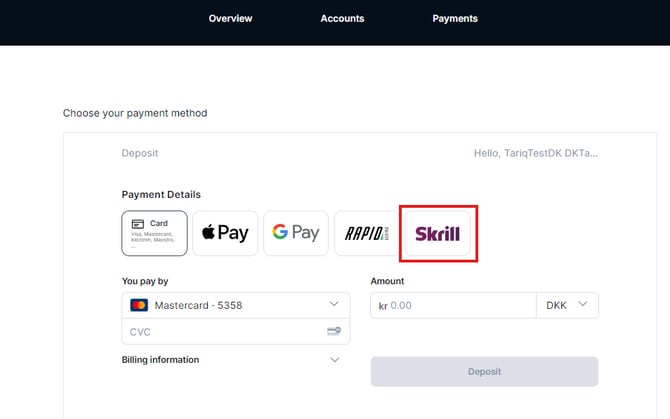
To make a deposit to your Trade Nation account with Skrill, please click on the "Deposit" button and select "Skrill".
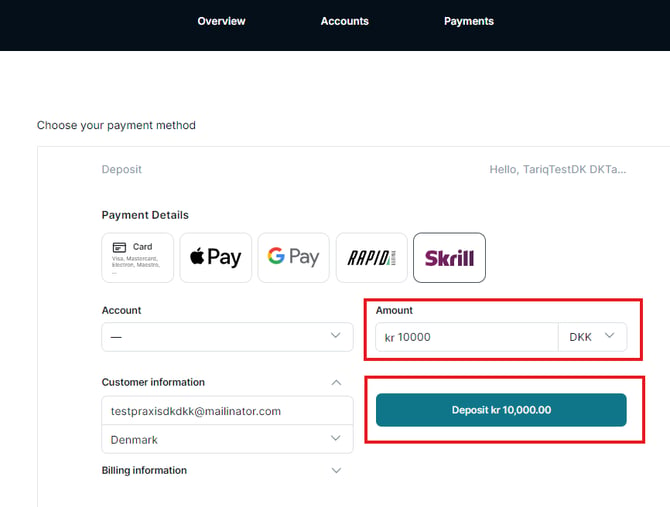
Enter the amount, check the pre-filled customer information and then select 'Deposit'.
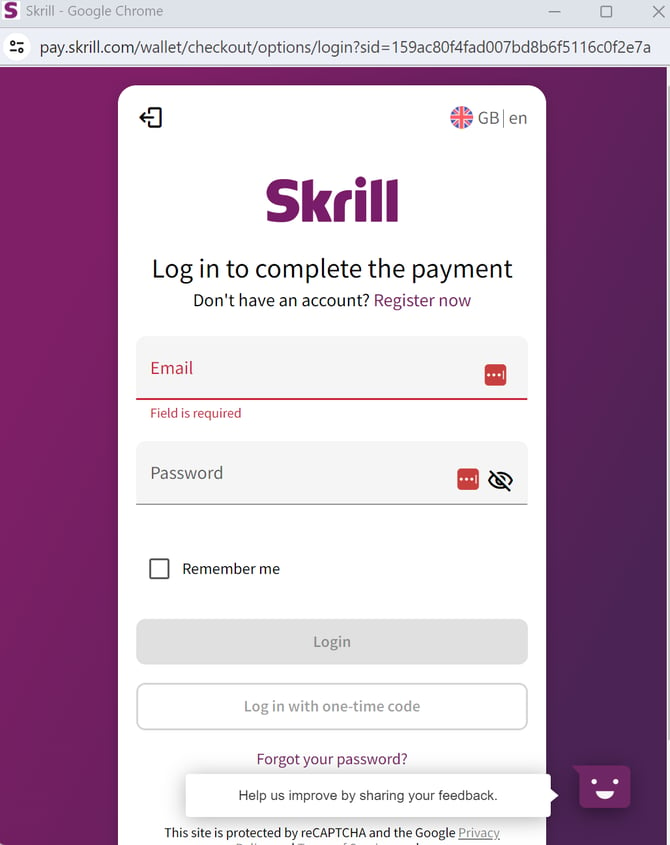
You will then be redirected to the Skrill log in page. Log in to your Skrill account or create a new account if you do not already have one.
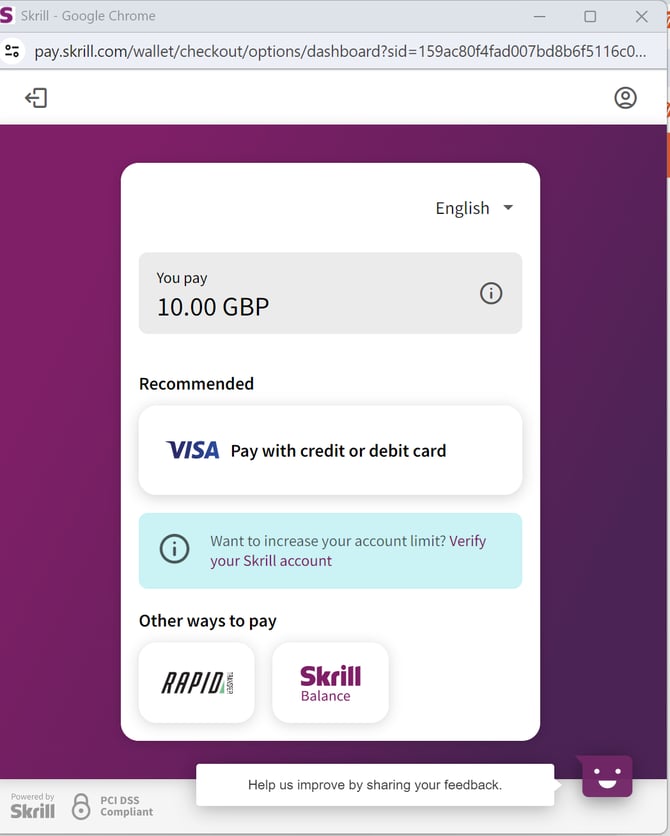
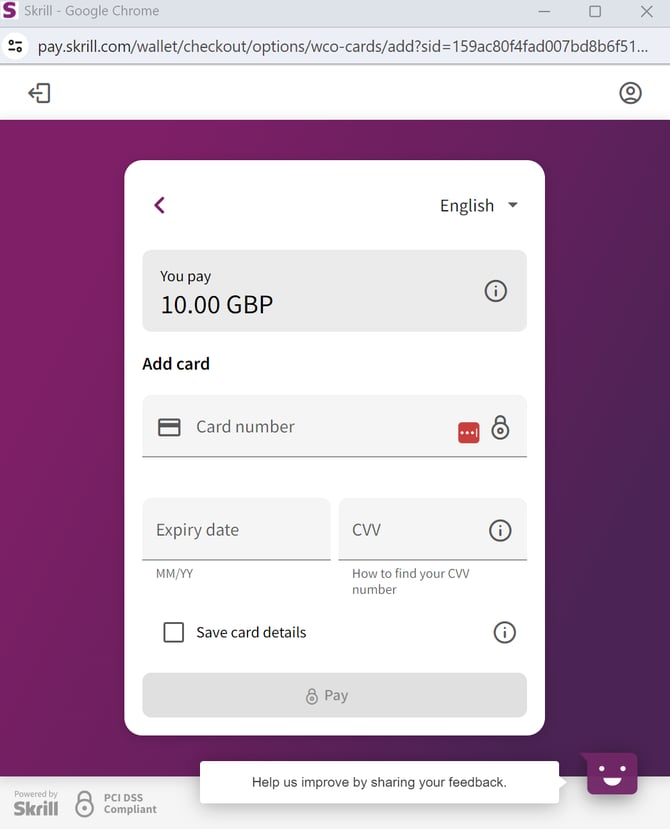
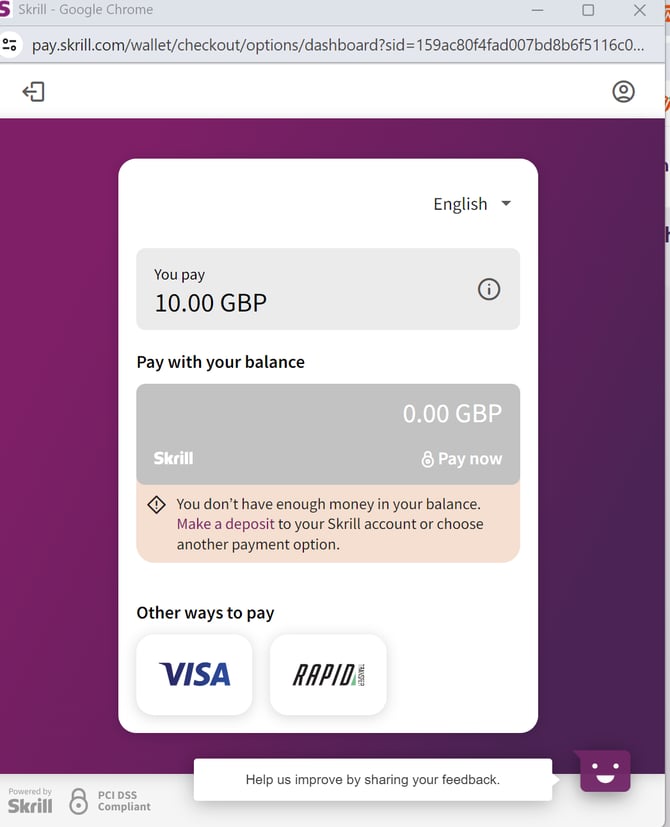
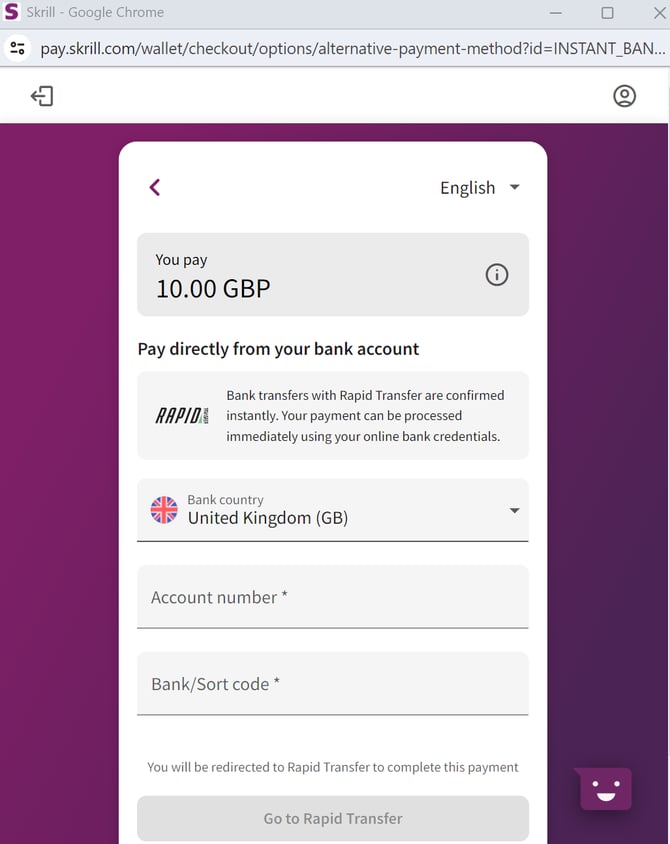
Select how you would like to pay using your Skrill account either by credit or debit card, your Skrill balance or Rapid transfer (which is an Open Banking option).
Option 1: Pay by card via Skrill
Option 2: Pay with Skrill balance
Option 3: Pay with Rapid Transfer
Once the payment has been approved by Skrill, the funds should appear automatically in your trading account.